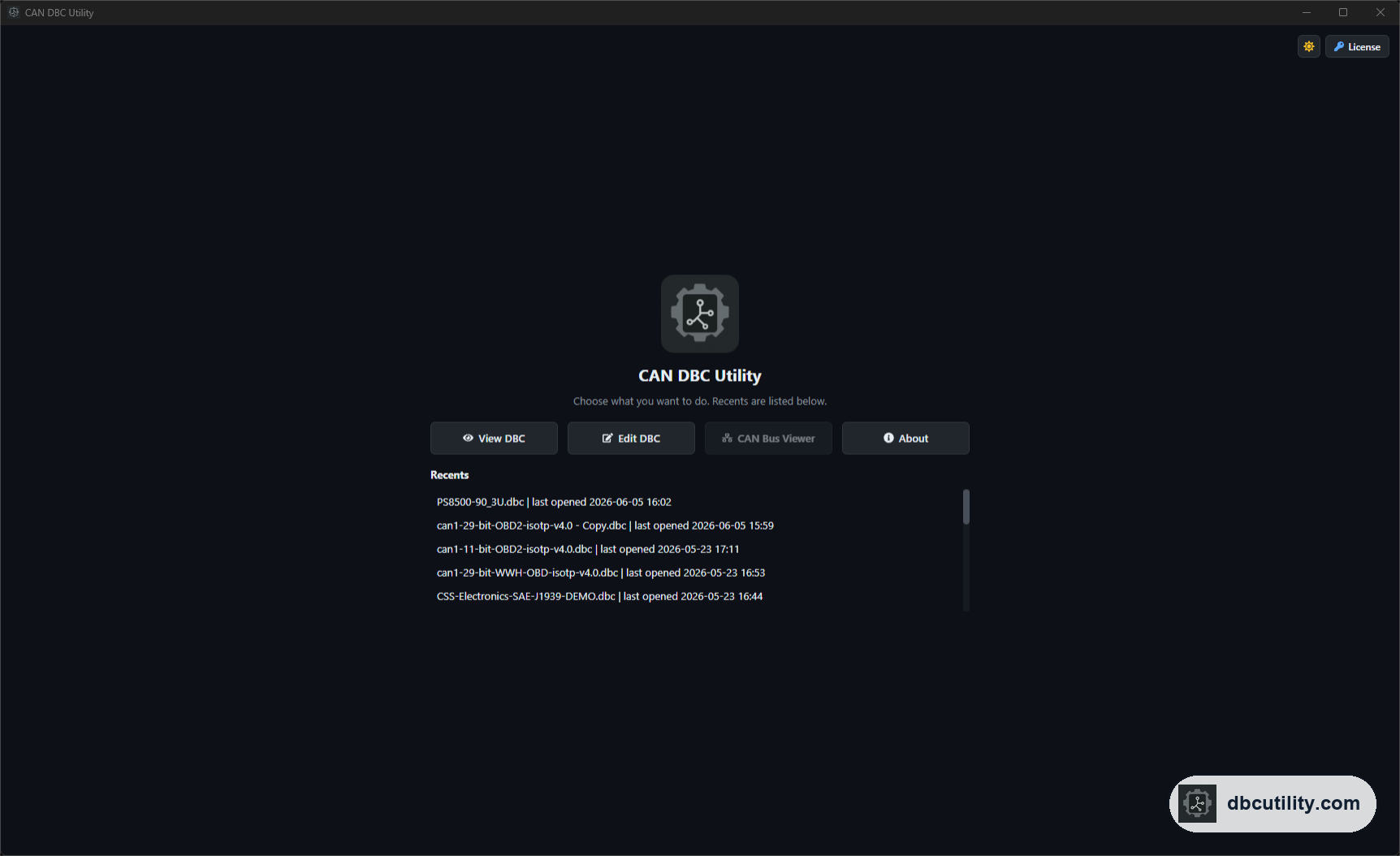
In short
DBC Utility 2.0 grew from a DBC viewer, editor, and compare tool into a workspace that also translates German DBCs and decodes ASC and BLF recordings, with safer saving and a Problems list for both DBC files and logs.
Best for: Current users and engineers evaluating DBC Utility
The short answer
DBC Utility 2.0 is a rebuilt desktop app for Windows and Linux. Between May and October 2026 it gained five major capabilities:
- A log analyser that opens ASC and BLF CAN recordings and decodes them with your DBC files.
- German–English translation of DBC comments, value labels, and attributes, processed on your computer.
- Shared value tables and float signals in the editor.
- File-safe saving that keeps the original encoding and line endings.
- A Problems list that shows errors in a DBC or a recording before you rely on it.
The current version is 2.0.5. The rest of this page explains each change by what it lets you do. For the full list, see the changelog.
Release timeline
| Version | Date | Main change |
|---|---|---|
| 2.0.0 | May 24, 2026 | Rebuilt as a new desktop app, with Windows and Linux installers |
| 2.0.1 | August 6, 2026 | Log analyser for ASC and BLF files; German–English translation |
| 2.0.2 | August 11, 2026 | Save while comparing; work tabs keep their state |
| 2.0.3 | September 28, 2026 | Shared value tables, float signals, original encoding and line endings kept |
| 2.0.4 | October 19, 2026 | Plots with A/B cursors, recording checks, unknown-ID trial decoding |
| 2.0.5 | October 25, 2026 | Problems list, keyboard shortcuts and undo, recovery of partly broken files |
Decode CAN recordings with your DBC
The biggest addition is the CAN log analyser. Before 2.0, DBC Utility worked only with the database. Now it also works with recordings.
What you can do:
- Open an ASC or BLF recording, the text and binary log formats used by Vector tools and many loggers.
- Map one or more DBC files to each recorded channel, so the right database decodes the right bus.
- Switch between All frames, in time order, and Per message, which shows the latest frame for each ID.
- Plot decoded signals on a shared time axis, as overlays or stacked lanes, and measure time and value differences with A/B cursors.
- Run checks for cycle time, message length, and values outside the range the DBC defines.
- Review unknown IDs, the frames your DBC does not describe. See which bits change, try a decode, and save a good result as a new DBC signal.
- Replay a recording so the trace and plots advance as they would on a live bus.
What it does not do yet: read candump, MF4, or CSV files, export decoded signals, or write logs. If you have a candump log, convert it first with python -m can.logconvert capture.log capture.blf. The CAN log formats guide explains the formats.
Translate German supplier DBCs
Many supplier DBCs arrive with German comments and value labels. The DBC translator translates them between German and English.
- Choose what to translate: comments, value labels, shared value tables, and string attributes.
- Keep message and signal names unchanged, or turn on optional renaming with names kept unique and within 32 characters.
- Translation runs on your computer after a one-time download of the language pack.
- Nothing is written until you choose Save, so you can compare the result with the original first.
Better editing: value tables and float signals
Two DBC features that many real files use are now fully editable:
- Shared value tables (
VAL_TABLE_). Define a set of states once, such as0 = Off, 1 = On, 2 = Fault, and assign it to many signals. - Float signals (
SIG_VALTYPE_). Mark a signal as Integer, Float32, or Float64. Bit length and signedness stay separate settings.
Editing a message's cycle time, send type, CAN FD frame format, start value, or similar attributes now writes the change back to the file while keeping unrelated attributes. Deleting a message, signal, or node also removes its comments, value descriptions, and attributes, so the file does not keep orphaned lines.
Safer saving
Saving a DBC is where tools quietly damage files. Version 2.0 changed how saving works:
- Original encoding and line endings are kept. A one-line edit stays a one-line change in Git, and the file stays compatible with Vector CANdb++.
- Compare & Save shows your unsaved edits next to the saved file before anything is written.
- Save while comparing. You can save either file directly from the compare view.
- Errors need confirmation. Saving a file that still has errors asks first. Warnings alone do not.
- Partly broken files still open. If a DBC has an isolated broken line, the app opens it, lists the broken lines, and leaves them in place until you confirm a save.
See problems before they spread
Version 2.0.5 added a Problems list for the open DBC and for an open recording. Select a problem and the app selects the affected signal; layout problems open the bit grid. Signals that share bits are marked in the signal list and table.
This turns checks you used to do by eye, such as overlapping signals or values outside the defined range, into a list you can work through. The DBC validation checklist shows where the list fits in a release review.
Smaller improvements
- Keyboard shortcuts and undo for common file and edit actions.
- Open
.dbcfiles from your operating system's file manager. A second file opens in the running app. - View, Edit, Compare, and Log Analyzer keep their selection, filters, and scroll position when you switch tabs.
- A session log of opened files and changes that you can copy or export.
Upgrade notes
- Windows uses an installer; Linux uses DEB or RPM packages. See the installation guide.
- Language packs for translation are downloaded separately from Translate > Models. They are not part of the installer.
- Log Analyzer bookmarks were removed in 2.0.4. Use trace filters, the Per message view, and measurements instead.
- Review the Problems list before saving older files. It may show issues that earlier versions did not report.
Frequently asked questions
What is the latest version of DBC Utility?
Version 2.0.5, released on October 25, 2026. The release notes always show the current version.
Can DBC Utility open BLF files?
Yes. Since version 2.0.1 the log analyser opens ASC and BLF recordings and decodes them with your DBC files. It does not open candump or MF4 files directly.
Is translation and log analysis included in the license?
Yes. Every feature on this page is included in the $34 one-time license, which covers up to two devices and one year of updates.
Does DBC Utility run on Linux?
Yes. DBC Utility 2.0 has DEB packages for Debian and Ubuntu and RPM packages for Fedora, RHEL, and openSUSE, as well as a Windows installer.
References
DBC Utility
One desktop app for DBC files and CAN recordings.
One-time $34 · Windows & Linux · Files stay on your computer