What is included in the $34 license?
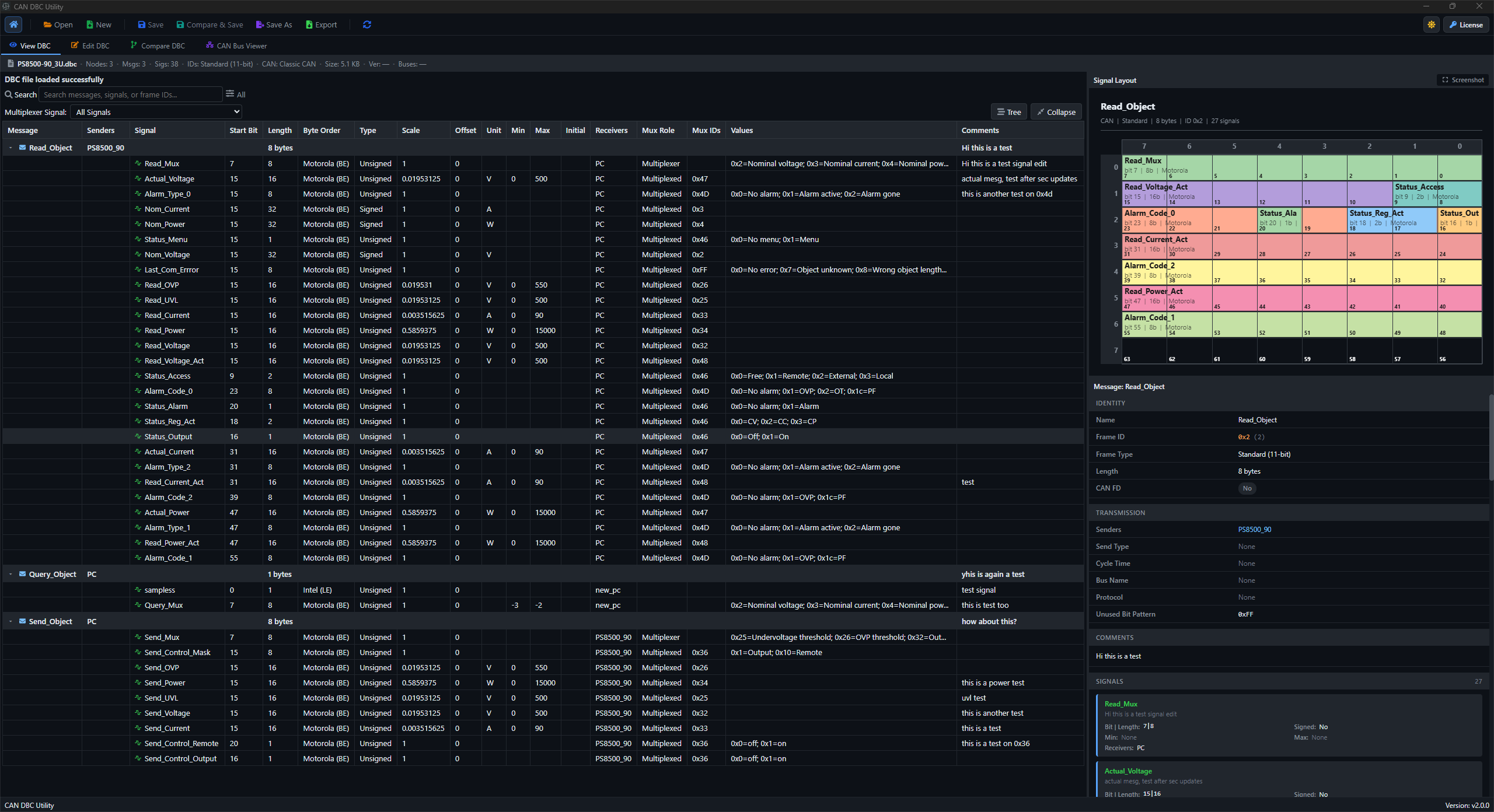
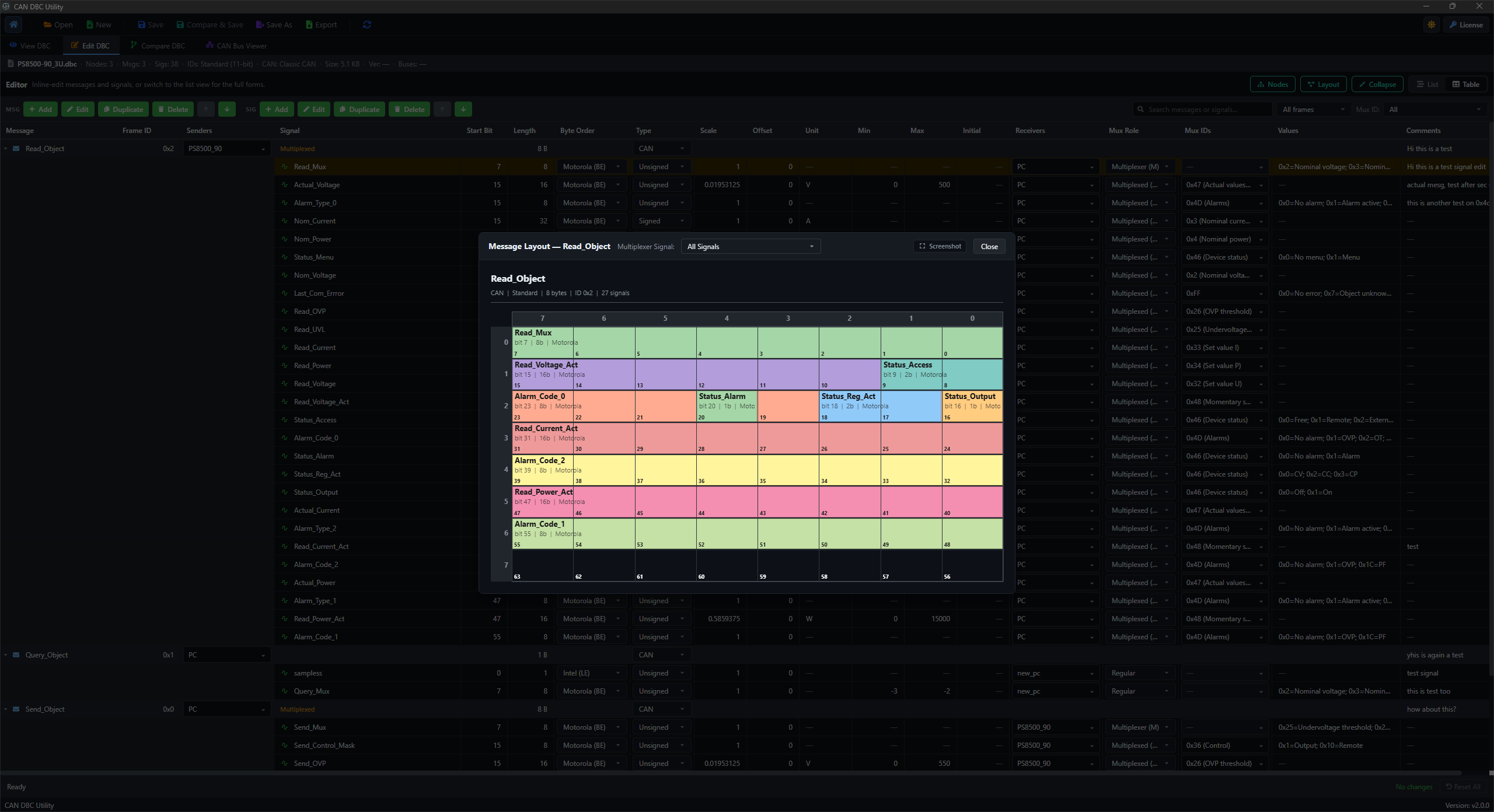
A DBC viewer, DBC editor, comparison tools, bit-layout inspection, German–English translation, and ASC/BLF log analysis. One purchase covers up to two devices and includes one year of updates.
Do my DBC files and CAN logs stay on my computer?
Yes. Viewing, editing, translation, comparison, layout inspection, and log analysis process your files locally. Internet access is needed for license checks, downloads, updates, support, and the initial translation-model download.
Can I compare two DBC files and edit the differences?
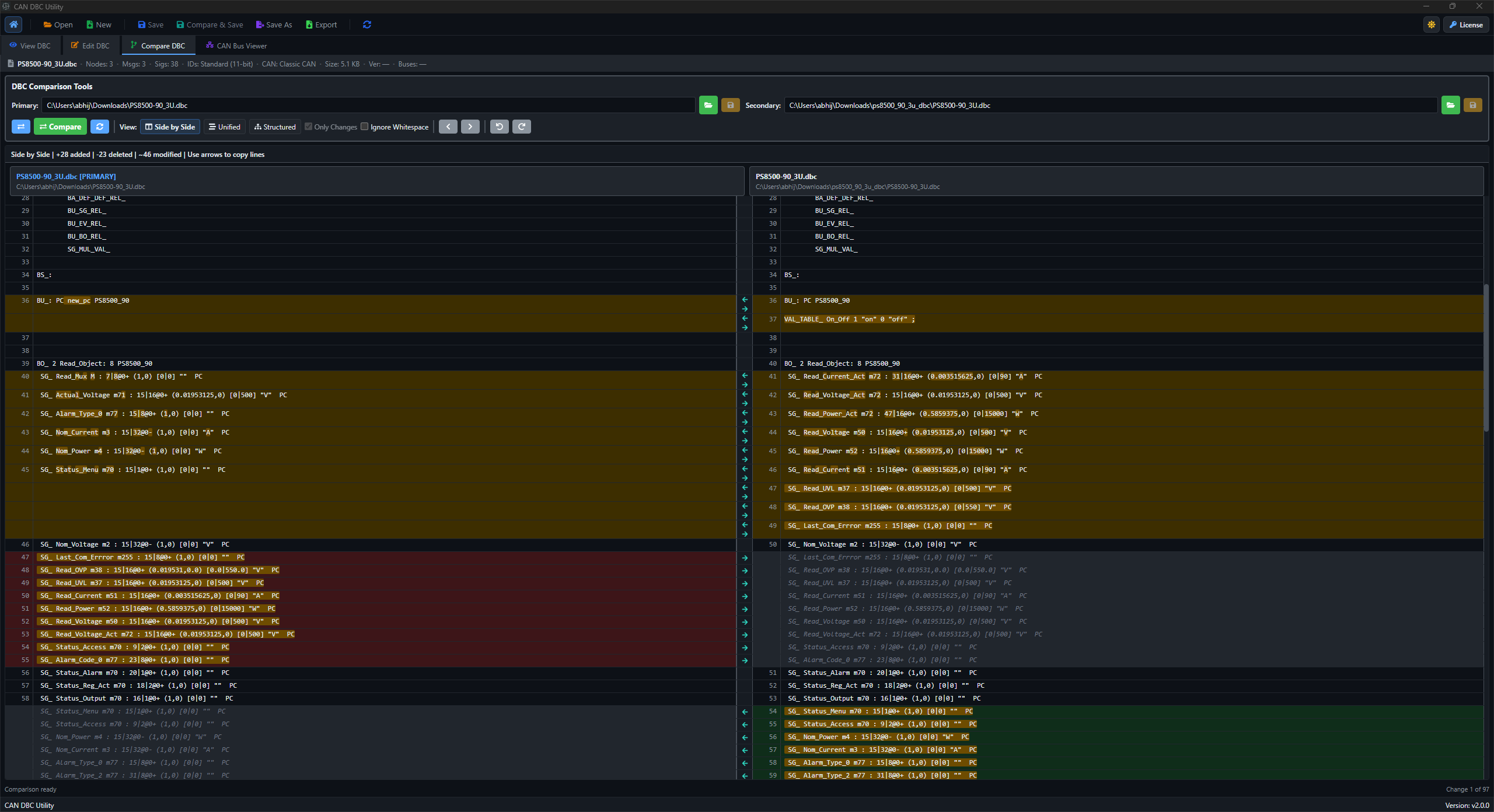
Yes. Open two DBC files in side-by-side, unified, or structured comparison. Navigate changes, ignore whitespace, edit either file, and copy lines between Primary and Secondary. Use Save or Save As for changed files. Compare & Save also lets you review Original against Modified before confirming an editor save. See DBC comparison details.
Can I work with multiplexed signals and shared value tables?
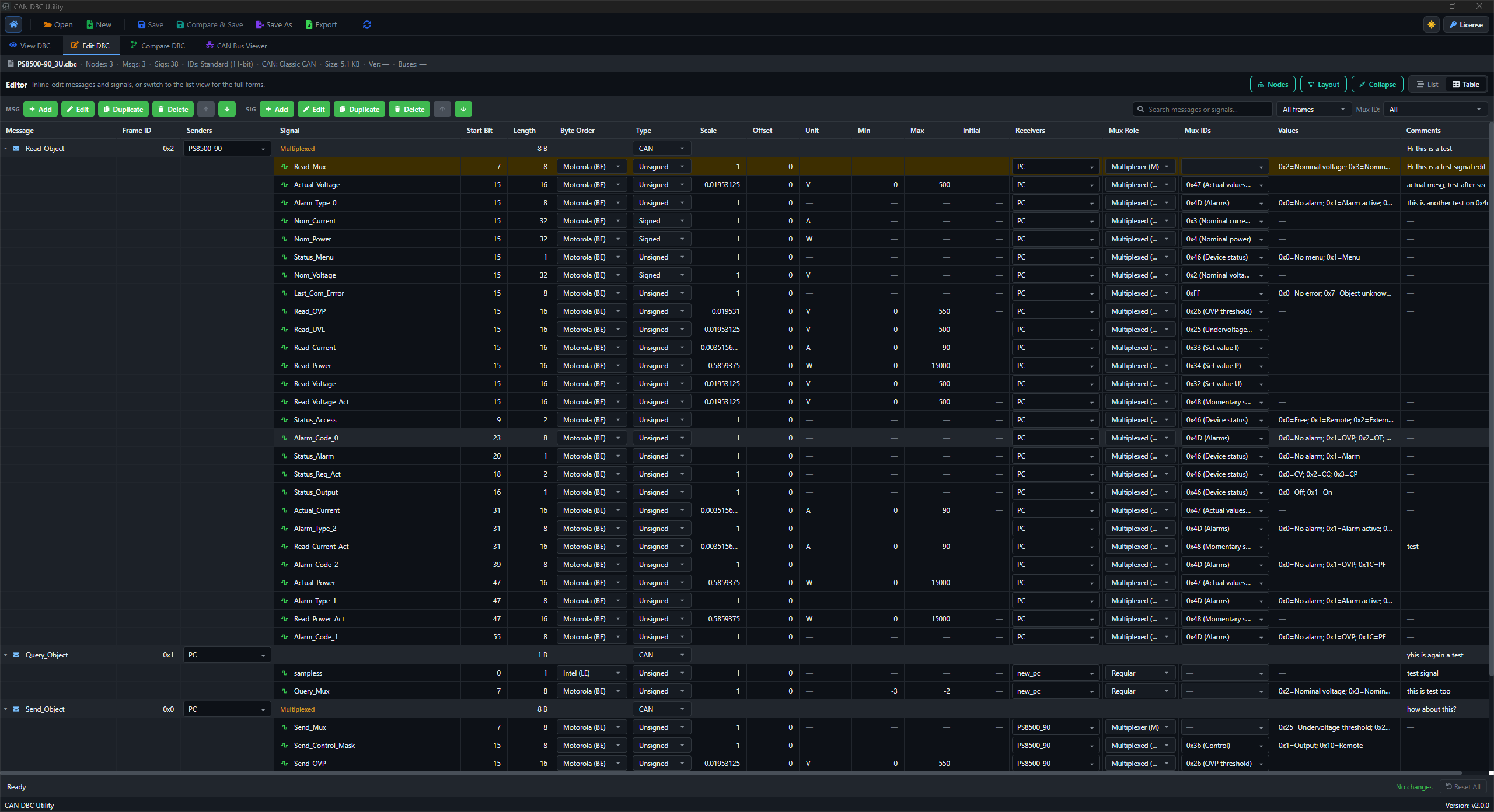
Yes. Edit multiplexer fields in the signal dialog and filter multiplexed messages in the viewer. Manage shared VAL_TABLE_ catalogs, apply them to signals, and edit DBC attributes. Integer, Float32, and Float64 signal types are supported. Explore multiplexed DBC editing.
How does German–English translation work?
Install the language packs once from Translate > Models. Translate comments, value labels, shared value tables, and string attributes locally in either direction. Keep identifiers unchanged or choose optional renaming, then review the result before saving. See translation details.
Which CAN log formats can I analyse?
Version 2.0.5 supports recorded ASC and BLF logs with DBC mapping, All frames and Per message traces, replay-aware plots, A/B measurements, recording checks, and unknown-ID inspection. Signal export and log encoding are not included. See log analysis details.
Can I keep using the app after the update year?
Yes. Eligible versions remain usable after your included year of updates under the license terms. Later updates may require a new purchase or a paid upgrade. There is no subscription or automatic renewal.
Which operating systems and DBC features are supported?
DBC Utility runs on Windows and Linux. It supports CAN and CAN FD payload layouts, multiplexed signals, shared value tables, and Integer, Float32, and Float64 signal types. See the installation guide for setup.