Browse
Viewer workspace
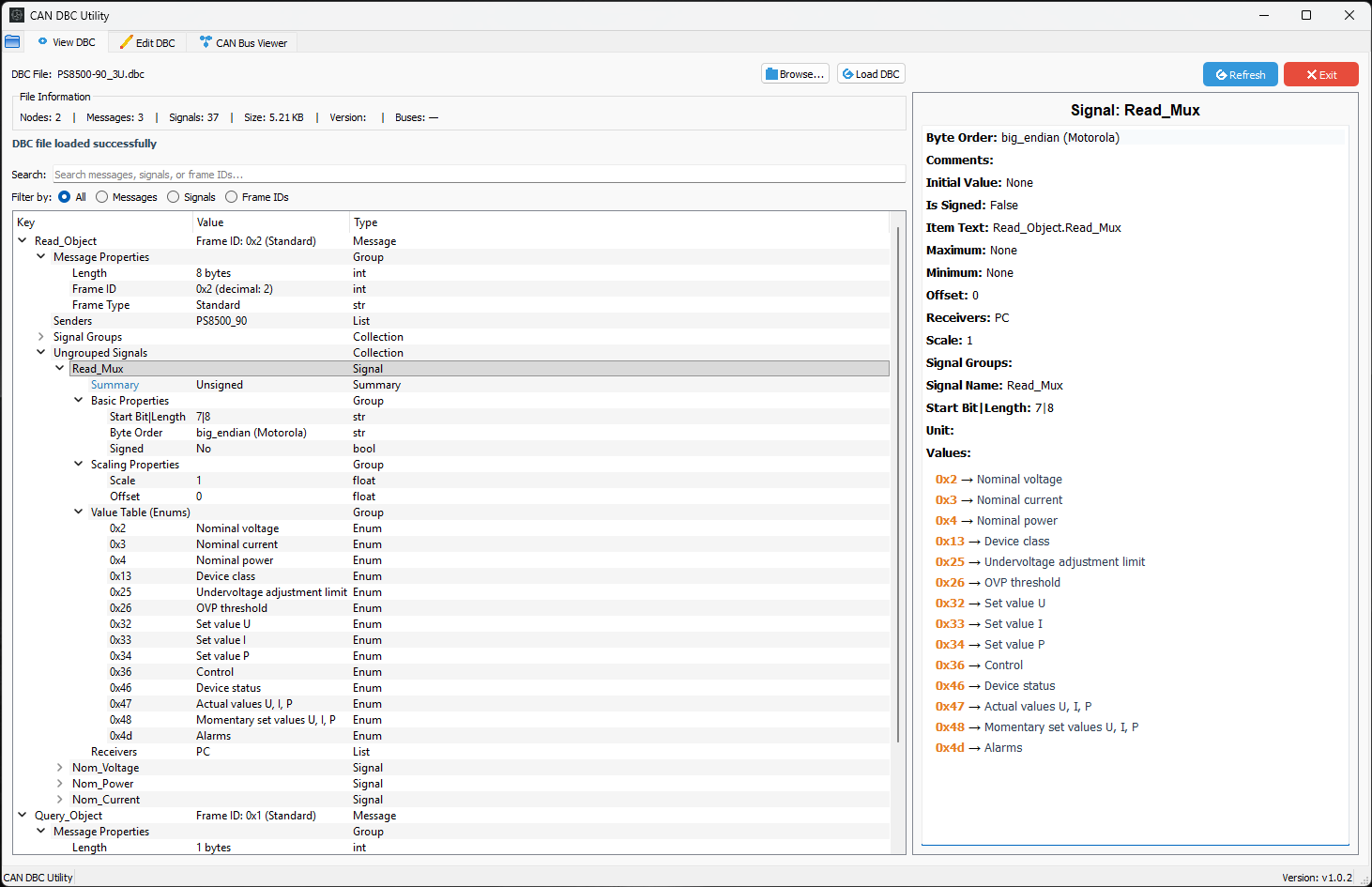
Purpose-built for CAN / CAN FD review
Inspect structure, edit signals, compare revisions, and validate CAN/CAN FD DBC files before release on Windows and Linux.
What the current release covers
The public docs and release notes point to one focused workflow: inspect the database, edit with context, compare revisions, and validate before save.
Browse
Inspect messages, signals, comments, frame IDs, and file metadata in one desktop view.
Edit
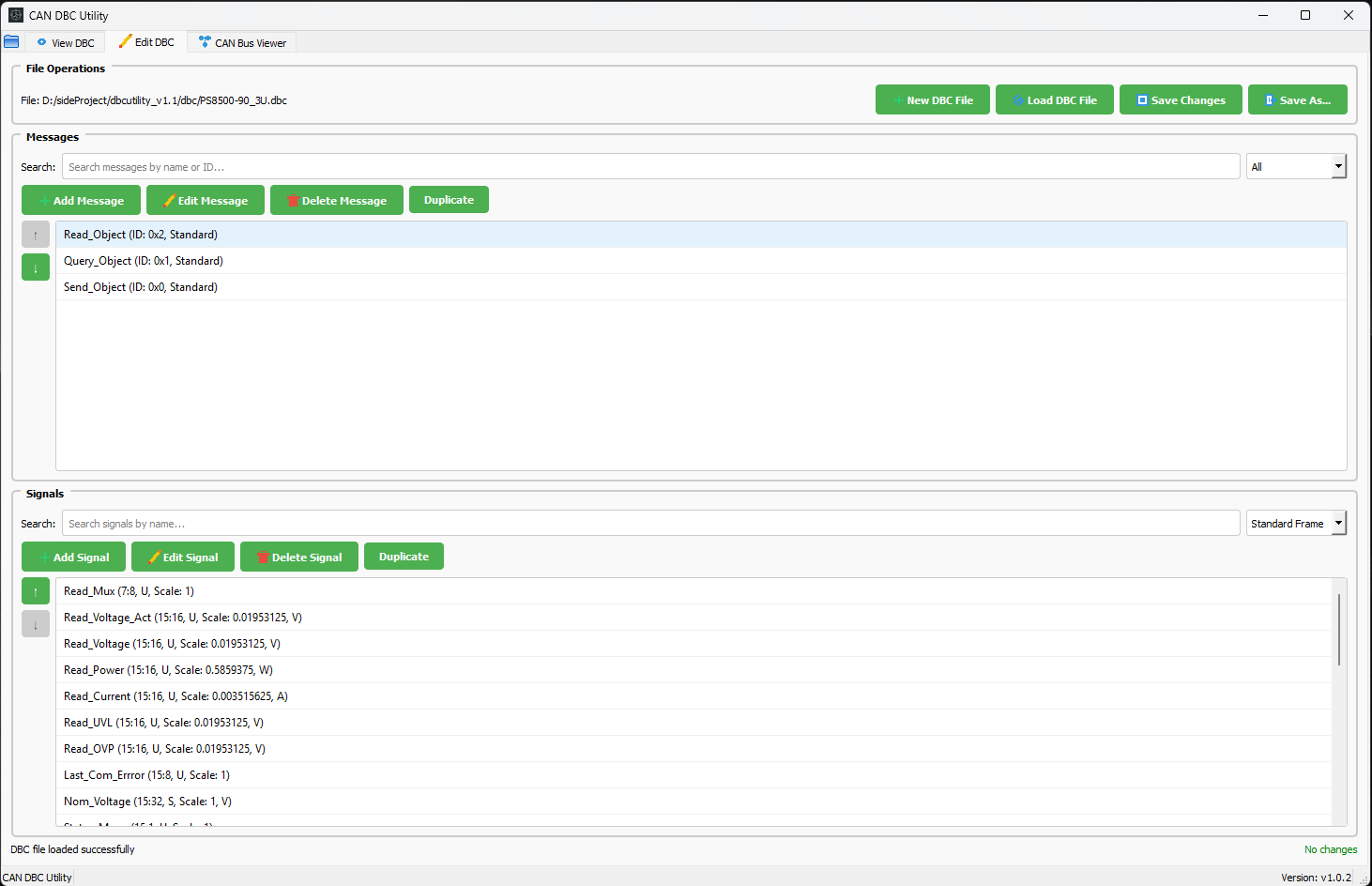
Work with message and signal fields, value tables, receivers, and mux-related fields.
Compare
Switch between side-by-side, unified, and structured comparison views.
Multiplexer
Use multiplexer-aware filtering, editing, and validation instead of manual workarounds.
Layout
Inspect message layouts at the bit level before saving or releasing a change.
Access
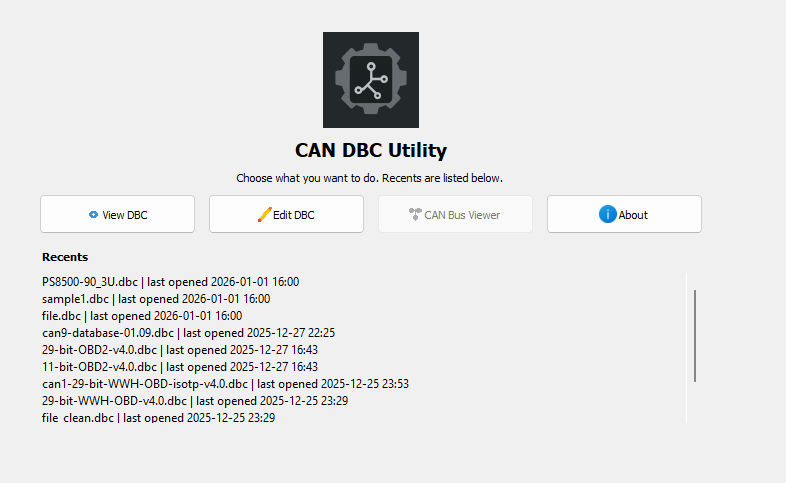
Use the home screen, recent files, and search across messages, signals, or frame IDs.
Workflow
The current workflow stays compact: open, inspect or edit, compare, then validate before writing changes out.
Start faster without rebuilding the same path every time.
Keep structure, field details, and editing workflows close together.
Use diff review and bit-level layout checks before a change moves forward.
Resources
Installation, workflow steps, release detail, and long-form DBC explainers stay in the docs and engineering articles.
Tool use cases
Viewer, editor, compare, CAN DBC, CAN FD, and multiplexed DBC pages for the workflows DBC Utility supports.
Docs hub
Installation, build, policy, and product guidance in one place.
How to use
Home, view, edit, compare, and layout steps for v1.0.3.
Release notes
Compare modes, multiplexer support, layout visualization, and entry-flow changes.
Engineering blog
Use the blog for fundamentals, workflow guides, and deeper technical context.
Popular Guides
These pages answer the CAN, DBC, and tooling questions that usually lead engineers into the product.
SocketCAN
Bring up CAN interfaces, capture traffic, filter IDs, replay logs, and prepare raw data for DBC decoding.
DBC decoding
Start bits, byte order, signedness, scaling, offsets, multiplexing, and Python examples with cantools.
DBC validation
Review IDs, layouts, scaling, multiplexing, log replay, and release gates before a CAN database ships.
Multiplexing
Understand mux selectors, conditional signals, branch coverage, and why overlapping payload bits can be valid.
Python decode
Build a repeatable DBC decode pipeline with unknown-ID handling, timestamps, and CSV export.
J1939
Convert 29-bit CAN identifiers into PGNs and understand how SPNs map into heavy-duty vehicle signals.
DBC fundamentals
Practical context for message definitions, signal mapping, validation workflows, and integration reviews.
CAN fundamentals
Arbitration, frames, fault behavior, and the reason CAN stayed central to ECU communication.
CAN FD
Payload, bitrate, and migration trade-offs for teams moving beyond classical CAN limits.
Tool selection
Workflow-focused comparison guidance for open-source and commercial DBC tooling decisions.
Pricing
Pricing is being introduced before purchases go live. The current download links remain available, and the yearly license flow will open later.
Annual license
Downloads
The website is currently synced to DBC Utility v1.0.3.
Tracked release assets for desktop installs.
DBCUtility-Windows-v1.0.3.zipTracked Linux packages from the current release page.
DBCUtility-Linux-x86_64-v1.0.3.tar.gzDownload the tagged source archive when you want local runs or build steps.
dbcUtility-v1.0.3.tar.gzFAQ
Yes. The current release supports DBC viewing, DBC editing, and compare review in side-by-side, unified, and structured modes.
Yes. Multiplexer-aware filtering and editing are built in, and the layout visualizer covers CAN and CAN FD payloads.
Use GitHub Releases for packaged downloads and the docs downloads page for the current tracked asset names.
Yes. The documentation site covers source-run steps, build commands, release notes, and development guidance.
Docs and source
The homepage stays focused. The docs hub carries the longer operational detail.